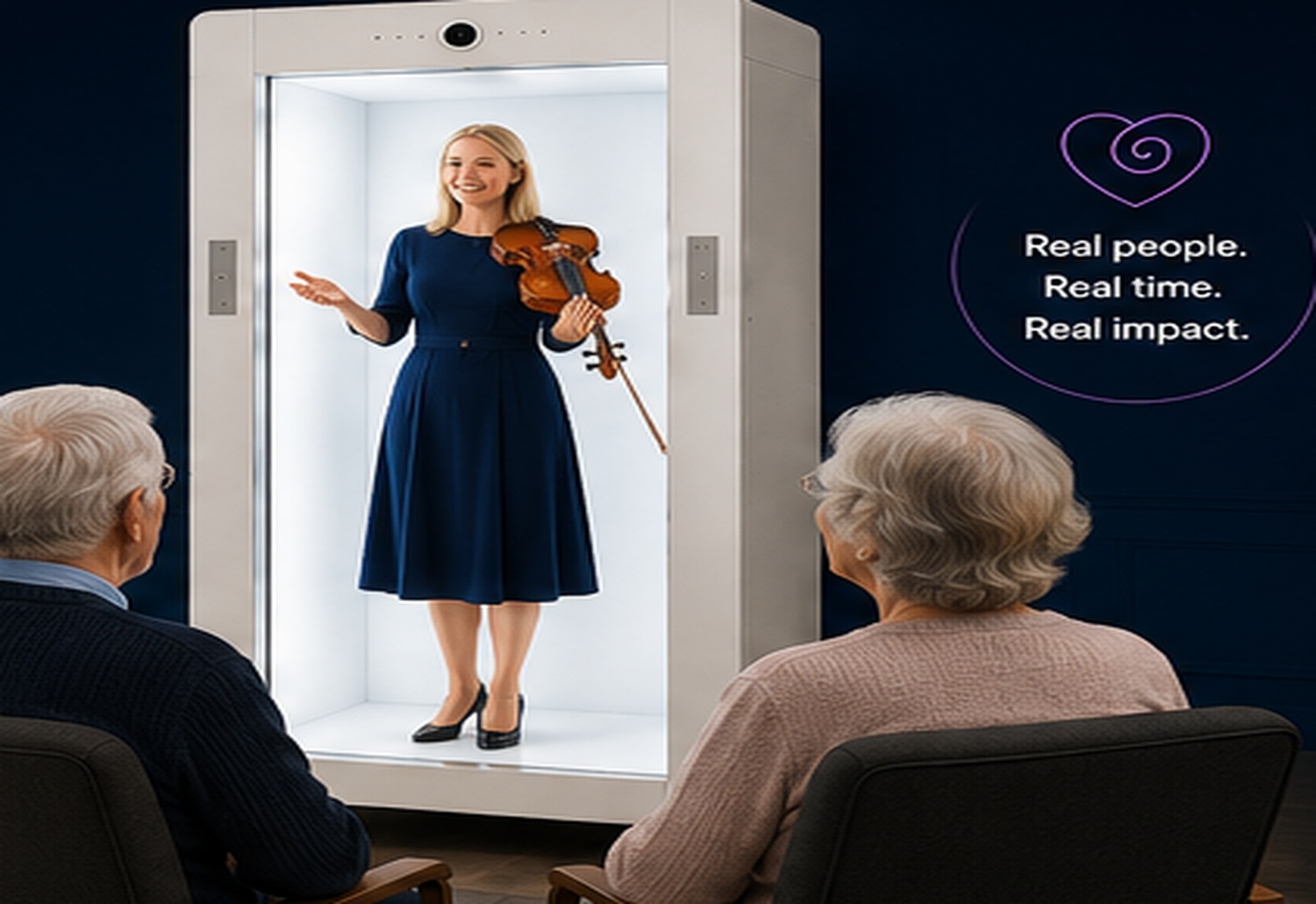
A guest can change a programme
An author, artist, scientist, leader or industry professional can bring a different perspective into a room.
Good use of Feelspace should reduce friction rather than create it. If a guest can change a programme requires so much explanation or setup that the audience loses sight of the purpose, the design needs simplifying. The strongest version of “Global guests for schools, workplaces and communities” is one where the technology supports the flow and then becomes secondary to the person, message or activity.
In schools and learning settings
Remote guests can join structured learning without travelling to campus, while normal supervision and safeguarding still apply.
A useful boundary is to compare the Feelspace option with the simpler alternative. If an ordinary video call, recording or in-person visit will do the job just as well, there may be no reason to add another layer. Where in schools and learning settings materially improves the way the remote person can contribute, life-size presentation becomes a more purposeful choice.
In workplaces
Organisations can bring in global leaders, customers, partners or specialists for interviews, talks and shared experiences.
Finally, organisations should review the experience after it has been used. The first session can reveal practical details about room layout, timing, audience behaviour or presenter preparation that are difficult to predict on paper. For “Global guests for schools, workplaces and communities”, those observations can be used to refine in workplaces before the format is repeated or scaled.
In community settings
Libraries, councils and community organisations can host talks or performances that would otherwise be difficult to arrange.
Finally, organisations should review the experience after it has been used. The first session can reveal practical details about room layout, timing, audience behaviour or presenter preparation that are difficult to predict on paper. For “Global guests for schools, workplaces and communities”, those observations can be used to refine in community settings before the format is repeated or scaled.
Make the guest relevant
The strongest programme starts with why this person is worth hearing from. Distance should expand the choice of guests, not become the entire story.
Preparation becomes easier when the session is broken into roles. The remote person needs to know what they are responsible for, the local host needs to know when to step in, and the audience needs a clear way to participate. Applied to “Global guests for schools, workplaces and communities”, that role clarity can make make the guest relevant feel deliberate rather than improvised.
Global access is useful when it helps the room meet someone it genuinely has a reason to hear from.